Where to Find WordPress Themes
There are different sources that can be used to find themes for a WordPress website. One of the easiest ways is through the WordPress admin dashboard by going to Appearance > Themes > Add New. From there, users can search through available themes, see which ones are popular, compare ratings, and preview a theme before installing it.
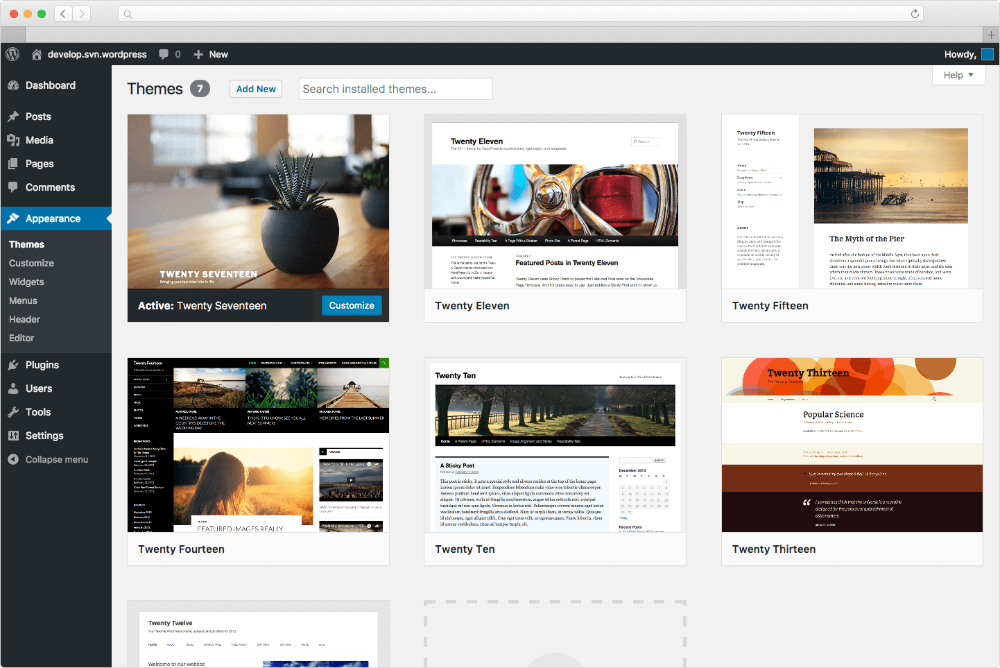
Another option is using third-party sources, such as theme developers and online theme marketplaces that offer free or premium themes. When using a third-party source, it is important to make sure it is trustworthy and that the theme is compatible with WordPress. Other factors to consider include regular updates, user ratings and reviews, security, support, mobile responsiveness, customization options, and whether the theme fits the purpose of the website.
Files Used in a WordPress Theme
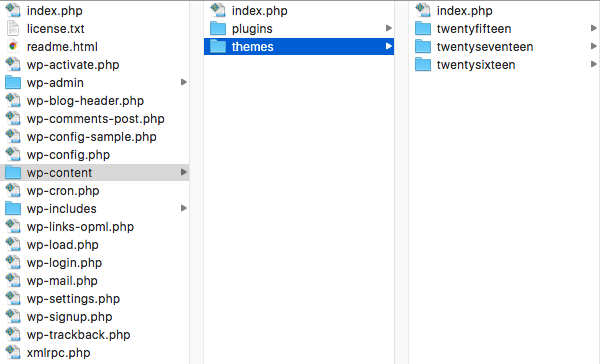
A WordPress theme contains different files that work together to control the appearance and functionality of a website. For a traditional WordPress theme, the required files include style.css, which contains the theme information and styling, and index.php which serves as the main template for displaying content (Król, 2019, p. 193).
Themes can also include additional files that perform different functions. The functions.php file adds features and functionality to the theme, while header.php and footer.php control the header and footer areas. The page.php file is used to display individual pages, single.php controls individual blog posts, archive.php displays archived content, and comments.php controls the comments section. Themes may also contain folders for JavaScript, languages, layouts, images, and other resources that help with the theme’s design and functionality (Król, 2019, p. 193).
Evaluating the Website Theme
The decision matrix compared each theme based on mobile responsiveness, customization options, blog and article layout, visual design, and user ratings. Layout and visual design were important because the website needed to look organized, attractive, and easy to navigate. Since the website focuses on blog posts and articles, the theme also needed to display written and visual content clearly.
Customization was important because it provides options for changing colors, fonts, layouts, and other design elements. Mobile responsiveness was also important because the website needs to display properly on different screen sizes, including phones and tablets. User ratings and popularity were considered because strong ratings and a large number of users can indicate that a theme is reliable and works well for WordPress websites.
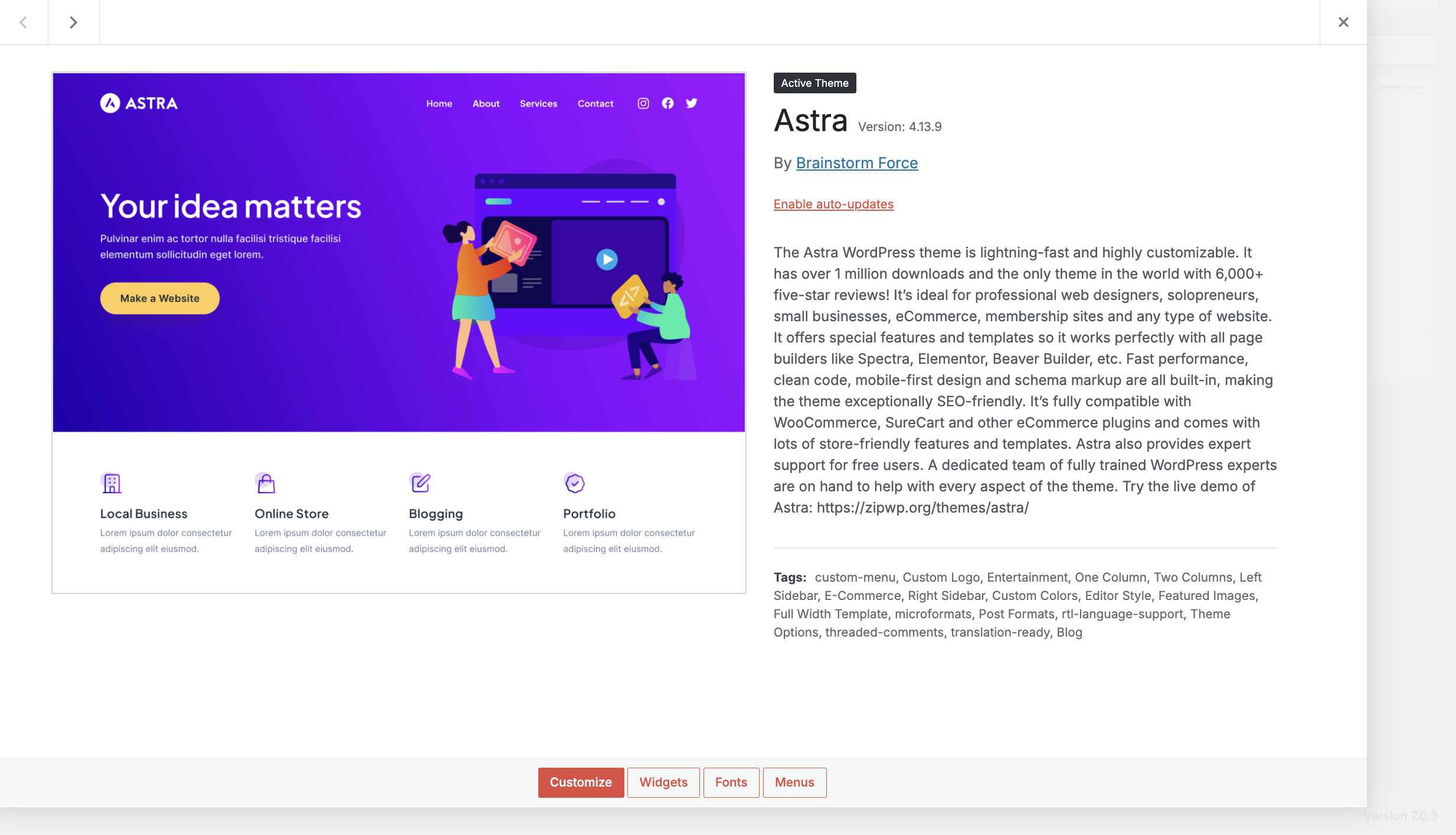
After comparing Astra, Kadence, and OceanWP, Astra and OceanWP both received a score of 22 out of 25, while Kadence received 21 out of 25. Astra was selected because of its clean and organized layout, customization options, and overall appearance. Its layout also works well for the blog and article content featured on the website.
Theme Detail Pages
Installing the Selected Theme
Astra was installed using the wp-admin method. From the WordPress dashboard, the theme was found by going to Appearance > Themes > Add New and searching for Astra. The theme was then installed and activated directly through the WordPress administration area. No manual installation or additional download was required, so there was no need to download a ZIP file or use an FTP application. After activation, the website was reviewed to make sure the existing pages, posts, and other content continued to display correctly.
References
Król, K. (2019). WordPress 5 complete: Build beautiful and feature-rich websites from scratch (7th ed.). Packt Publishing.
Press Customizr. (n.d.). First steps with WordPress. https://docs.presscustomizr.com/article/163-first-steps-with-wordpress
Themetry. (n.d.). Required WordPress theme files. https://themetry.com/required-wordpress-theme-files/