Why Choosing the Right Plugins Matters
Before this lesson, plugins seemed like simple tools that only added extra features to a website. After installing and using several plugins, it became clear that they play an important role in building and managing a WordPress site. Plugins can improve website security, create automatic backups, provide analytics, add accessibility features, and make content easier to navigate without having to write code. They also make it possible to customize a website based on its needs while saving time during development (Król, 2019, pp. 127–128).
Another important lesson was learning that not every plugin is safe to install. Plugins should always come from trusted sources, such as the official WordPress Plugin Directory or the developer’s website. Before installing a plugin, it is important to check the user reviews, ratings, number of active installations, recent updates, compatibility with the latest version of WordPress, and whether the developer still provides support. Taking the time to review these details can help avoid security risks and keep a website running smoothly (Król, 2019, pp. 129–131).
Finding Reliable Plugins
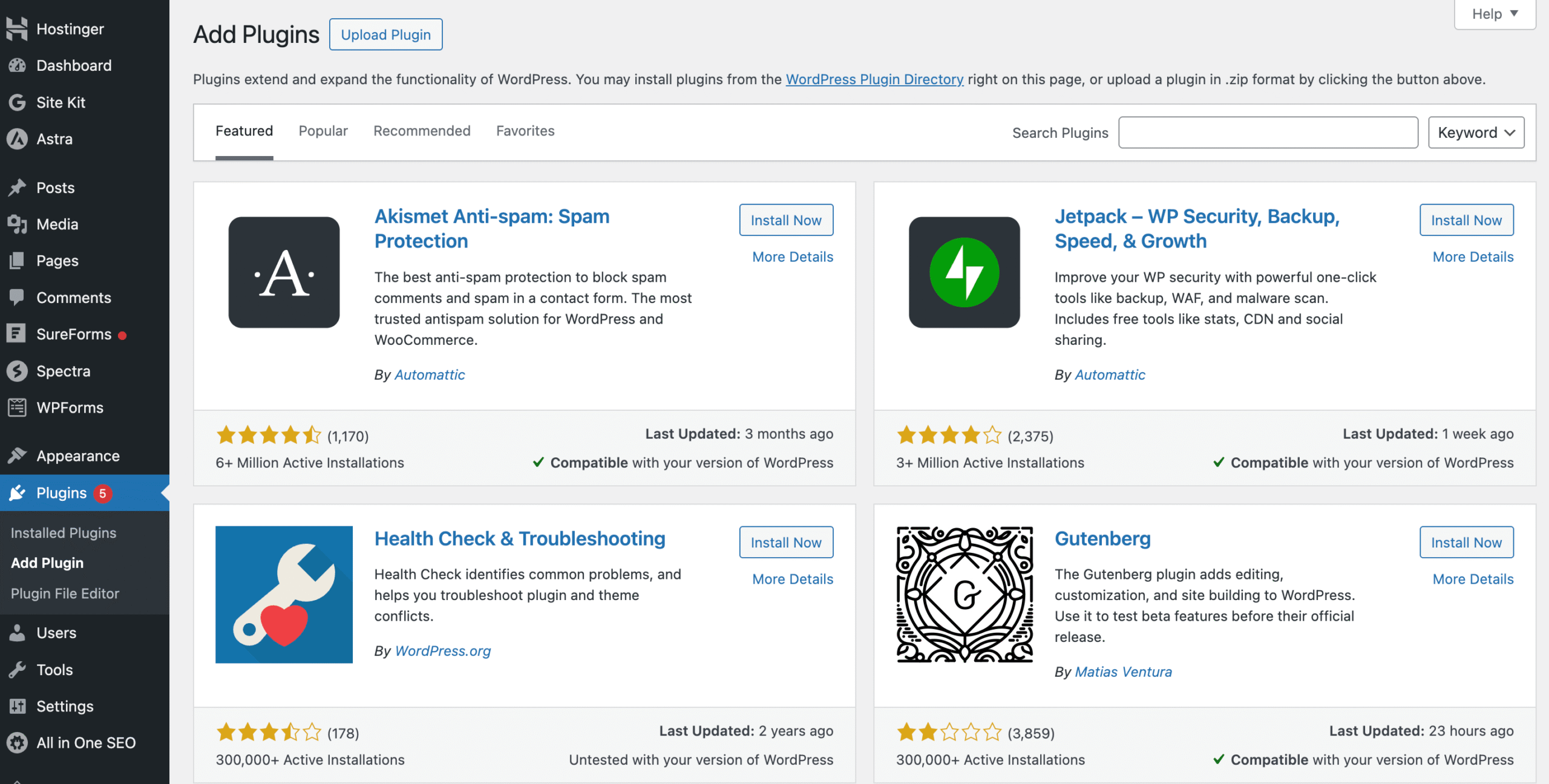
The official WordPress Plugin Directory is usually the safest place to find plugins because it offers thousands of plugins that are reviewed and updated regularly. Other reliable ways to locate WordPress plugins include:
- The official WordPress Plugin Directory
- Trusted plugin developers’ official websites
- WordPress blogs and review websites
- Online tutorials and YouTube guides
- Recommendations from the WordPress community
- Support forums and plugin documentation
No matter where a plugin is found, it is still important to compare reviews, check compatibility, read support forums, and make sure the plugin is actively maintained before installing it (Król, 2019, pp. 129–131; WordPress.org, n.d.).
Why Table of Contents Plus Was Selected
For this website, Table of Contents Plus was selected because it makes longer blog posts easier to read and navigate. Some articles on this website include several sections, so having a table of contents helps visitors quickly jump to the information they are looking for instead of scrolling through the entire page.
Before choosing this plugin, Easy Table of Contents and LuckyWP Table of Contents were also considered because they provide similar features. Table of Contents Plus was selected because it was easy to set up, automatically generated a table of contents from page headings, and required very little maintenance. It improves the reading experience for visitors while also making it easier to organize longer blog posts.
References
Król, K. (2019). WordPress 5 complete: Build beautiful and feature-rich websites from scratch (7th ed.). Packt Publishing.
WordPress.org. (n.d.). Plugins. https://wordpress.org/plugins/
Hostinger. (2026, February 19). How to install WordPress plugins: A beginner’s guide. Hostinger Tutorials