Why Website Security Matters
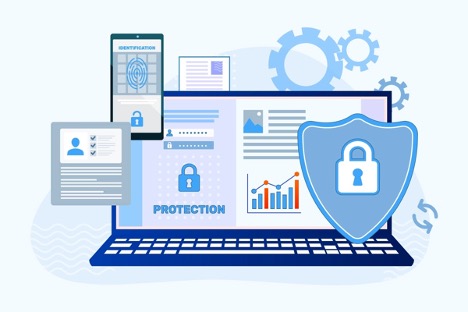
When creating a website, it is important to make sure it is secure and protected from hackers, malware, viruses, and unauthorized access. A secure website helps protect both administrators and visitors while building trust with users. One of the most important ways to improve website security is by creating strong passwords that combine uppercase and lowercase letters, numbers, and special characters. Another important step is installing an SSL certificate, which encrypts data transferred between the website and visitors, making sensitive information more difficult to intercept. Security plugins also play a major role in protecting a website. For example, Wordfence scans for malware, blocks suspicious IP addresses, monitors security threats, sends email notifications when problems are detected, and automatically updates its security features to help keep a WordPress website secure. These security measures help reduce vulnerabilities and improve the overall safety of a website (Król, 2019, pp. 154–162).
WordPress User Roles
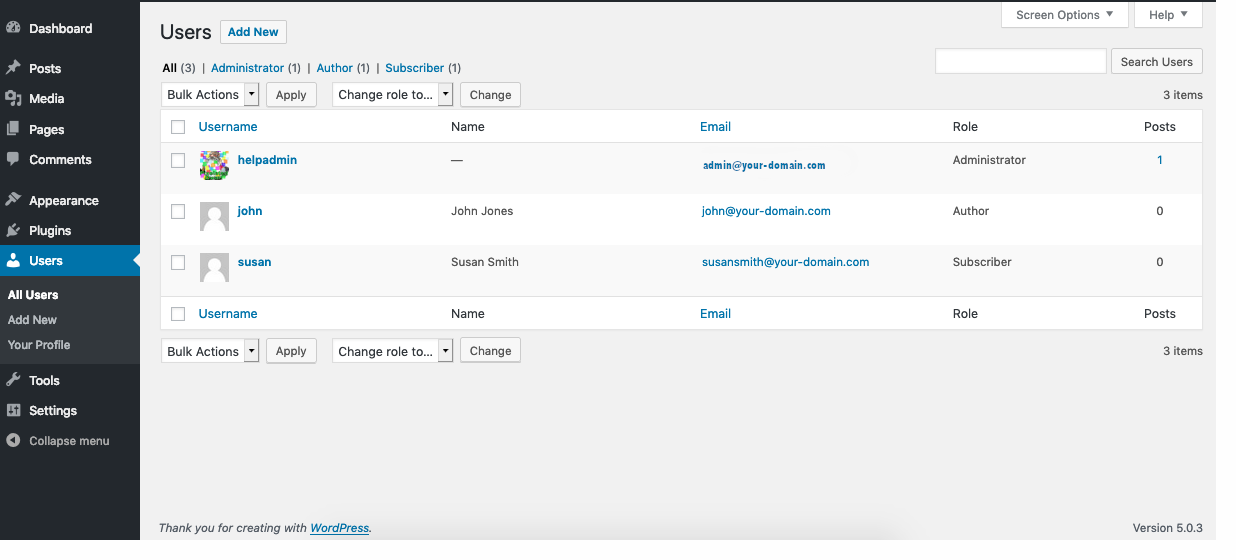
Different WordPress user roles help organize responsibilities while preventing users from accessing features they do not need. For an animation-focused website, an Administrator manages the entire website, including settings, plugins, themes, and users. An Editor reviews, edits, and publishes articles submitted by other users to ensure content meets the website’s standards. An Author creates and publishes original posts about animation techniques, films, and industry news. A Contributor writes drafts and submits content for review but cannot publish articles without approval. A Subscriber follows the website, manages their profile, and receives updates whenever new animation content is published. Using these different roles keeps the website organized, improves security by limiting permissions, and allows multiple people to contribute while maintaining security and control over the website’s content (Król, 2019, pp. 165–169).
References
Król, K. (2019). WordPress 5 Complete: Build Beautiful and Feature-Rich Websites from Scratch. Packt Publishing.
Training Magazine. (2018, June 8). 7 Security Tips to Protect Your Website. https://trainingmag.com/7-security-tips-to-protect-your-website/
WordPress.org. (n.d.). Users Screen. https://wordpress.org/documentation/article/users-screen/