External Storage and File Sharing
Managing a WordPress website involves more than creating pages and publishing content. It is also important to have a secure way to store website backups, organize files, and share documents when needed. External storage and file-sharing services that are compatible with WordPress make these tasks easier by protecting important data and allowing access from multiple devices. Choosing the right service can help website owners manage their websites more efficiently while reducing the risk of losing valuable files.
This post looks at three popular services that work with WordPress: Google Drive, Dropbox, and Microsoft OneDrive. Each service offers different features, along with its own advantages and disadvantages, making them useful options for storing, sharing, and managing WordPress website files.
Google Drive
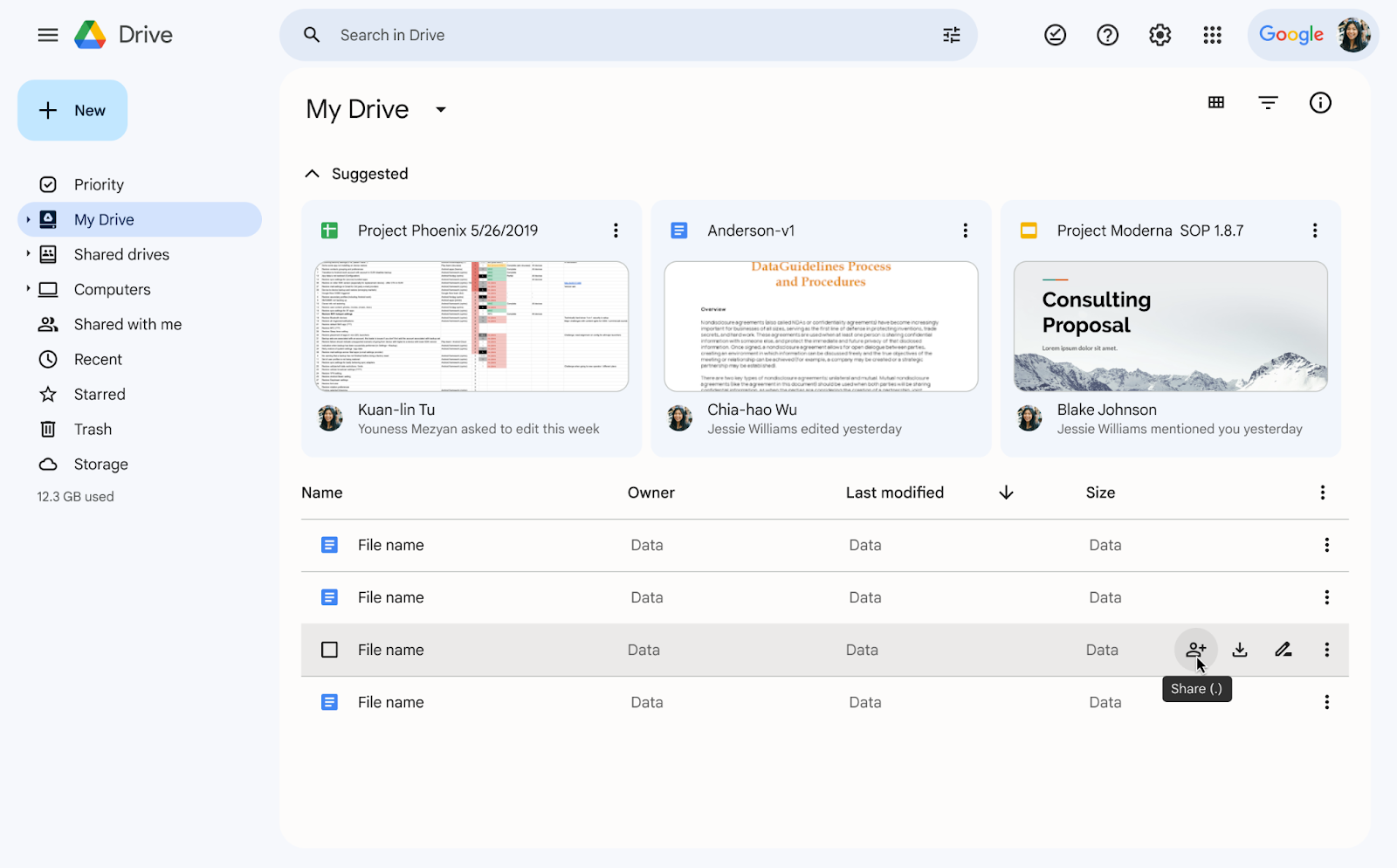
Google Drive is a cloud storage and file-sharing service that is compatible with WordPress through backup plugins such as UpdraftPlus. It allows website owners to securely store backups, organize website files, and share documents from multiple devices. Its collaboration features and accessibility make it a practical option for managing WordPress websites (Weis, 2024).
Pros
- Accessible from multiple devices
- Easy file sharing and collaboration
- Quick file search
- Supports many file types
- Integrates with Google Workspace
Cons
- Limited free storage
- Requires an internet connection for most features
- Privacy concerns for sensitive files
- Some advanced features require a paid subscription
Dropbox

Dropbox is a cloud storage and file-sharing service that is compatible with WordPress through many backup and file management plugins. It allows website owners to securely store website backups, share files with team members, and access important documents from multiple devices. Dropbox also automatically synchronizes files, making it easier to keep backups up to date (Bhati, 2024).
Pros
- Automatic file synchronization
- Easy file sharing and collaboration
- Accessible from multiple devices
- Supports automatic backups through WordPress plugins
- Free plan available for basic storage
Cons
- Limited free storage space (2 GB)
- Many advanced features require a paid subscription
- Some collaboration features are limited
- Security concerns due to the lack of zero-knowledge encryption on personal accounts
Microsoft OneDrive
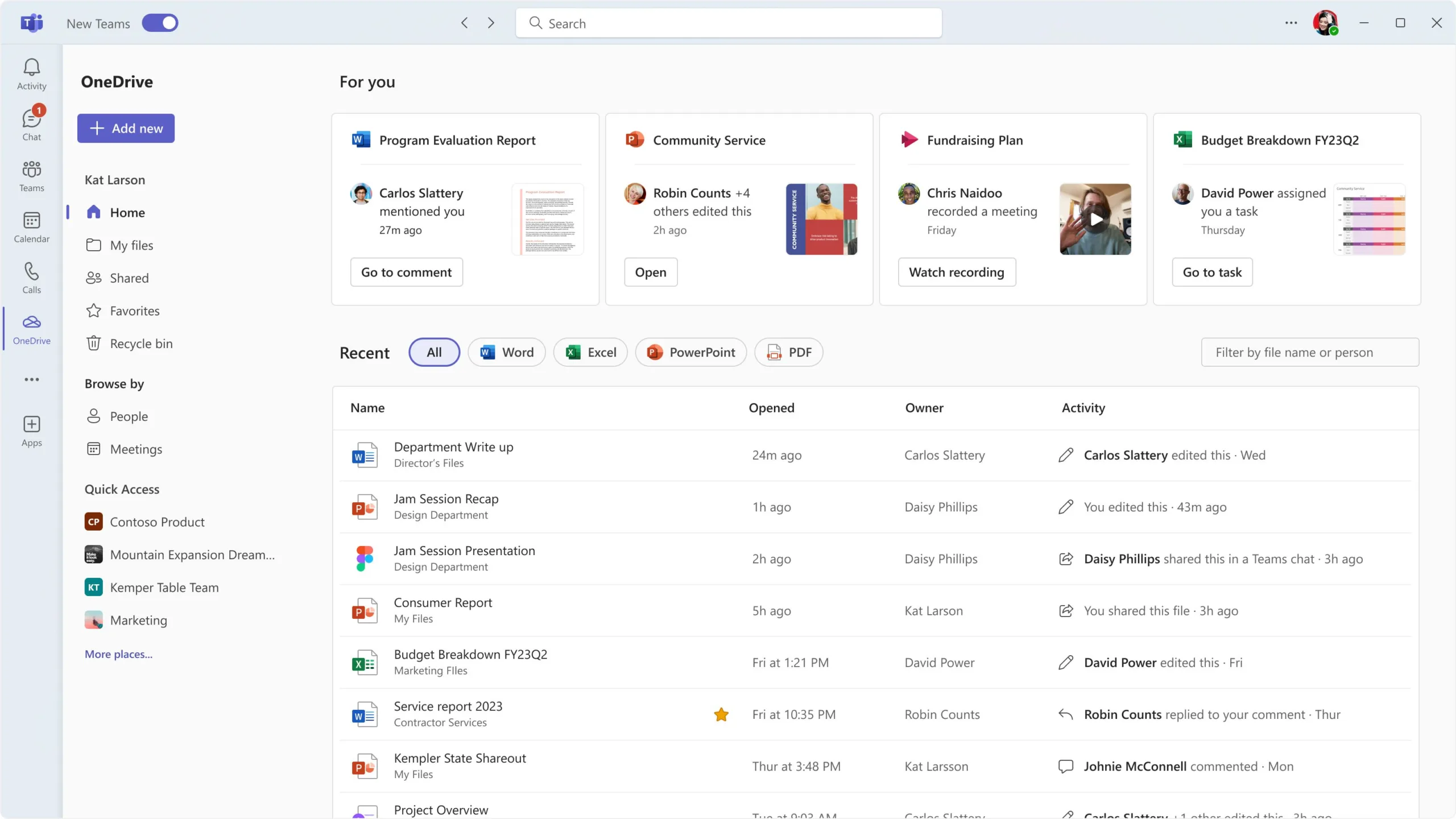
Microsoft OneDrive is a cloud storage and file-sharing service that is compatible with WordPress through backup and file management plugins. It enables website owners to securely store backups, synchronize files across multiple devices, and share documents with others. OneDrive also integrates well with Microsoft 365 applications, making it a convenient option for users who manage their websites using Microsoft tools (Nield, 2024).
Pros
- Integrates with Microsoft 365 and Windows
- Easy file sharing and collaboration
- Accessible from multiple devices
- Supports WordPress backup and storage plugins
Cons
- Many advanced features require a Microsoft 365 subscription
- Best experience is within the Microsoft ecosystem
- No zero-knowledge encryption
References
Bhati, S. (2024, August 5). Dropbox pros & cons in 2024: An in-depth analysis and why a DAM solution stands out. ImageKit. https://imagekit.io/blog/dropbox-pros-and-cons/
Nield, D., Hale, C., Drake, N., Wolfe, B. M., & DeMuro, J. P. (2024, July 1). Microsoft OneDrive cloud storage review: Oh so speedy solution. TechRadar. https://www.techradar.com/versus/google-drive-vs-dropbox-vs-onedrive-which-cloud-solution-is-right-for-you/
Weis, O. (2024, April 4). Pros and cons of Google Drive – Everything you need to know. CloudMounter. https://cloudmounter.net/google-drive-vs-dropbox-vs-onedrive/
Satish D. (2023, March 7). Drive and Editors – New UI. Google Drive Help. https://support.google.com/drive/thread/205110877/drive-and-editors-new-ui?hl=en
Sakalakis, P. (2025, March 25). Microsoft’s OneDrive 2025 new design finally makes it usable. TechWise Insider. https://techwiseinsider.com/microsoft-onedrive-2024-new-design/
Gschwentner, M. (2025). Dropbox review: Is the cloud storage pioneer still up to date? EXPERTE. https://www.experte.com/cloud-storage/dropbox
Leave a Reply